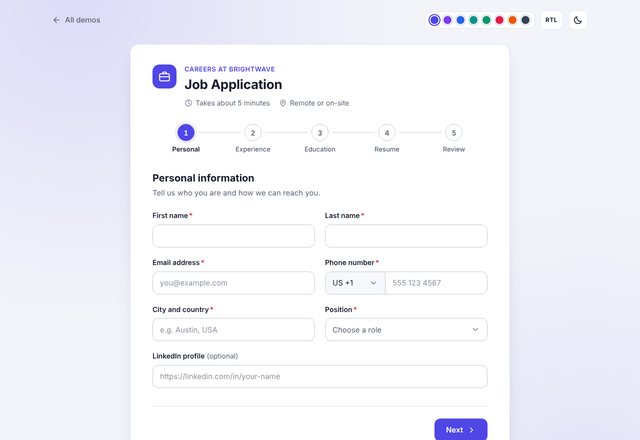
Job Application
Personal info, experience, education, resume upload and review.
Version 1.0.0
20 polished, accessible form templates powered by one lightweight engine. Plain HTML, CSS and JavaScript, ready to drop into any website.
Every demo is a working form. Open one, fill it in and try the theme, dark mode and RTL switches.
Personal info, experience, education, resume upload and review.
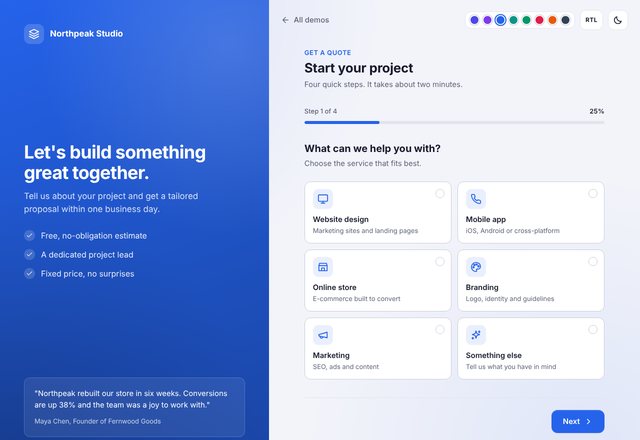
Service type, project details, budget slider and contact info.
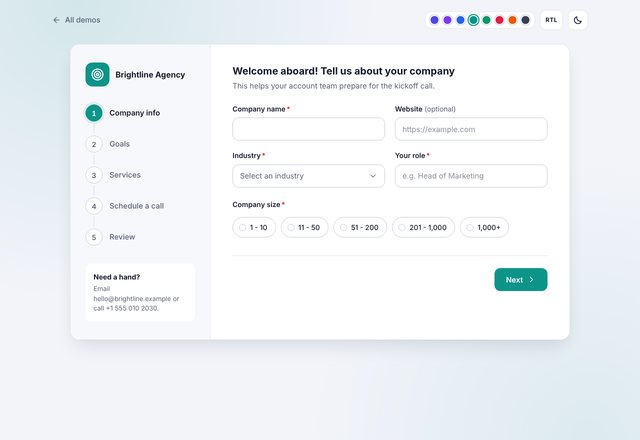
Company info, goals, services and a call scheduler.
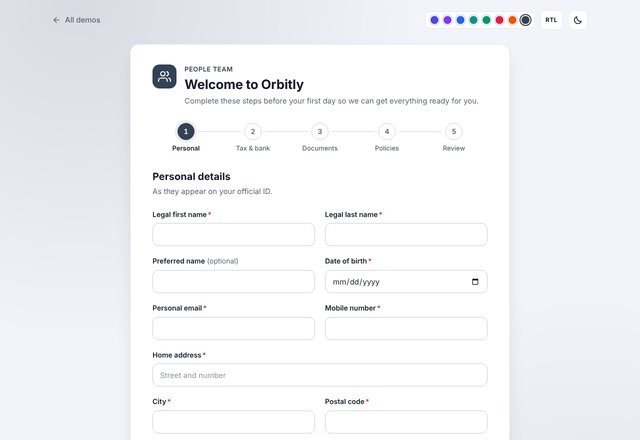
Personal details, tax and bank, documents and policy sign-off.
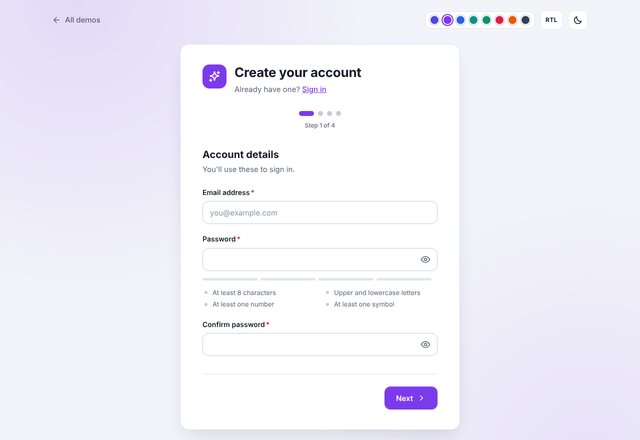
Account, profile, preferences and email verification code.
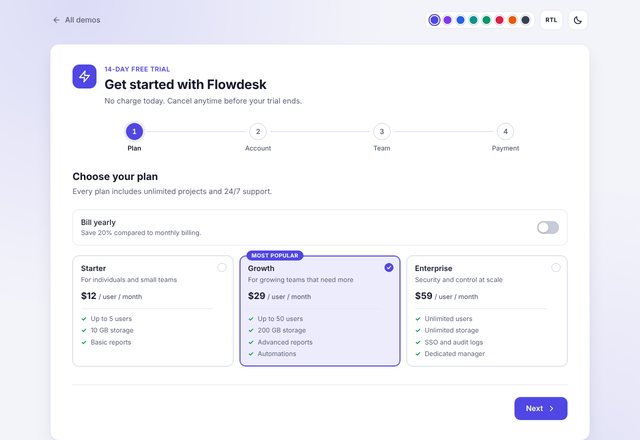
Choose a plan, create an account, team size and payment.
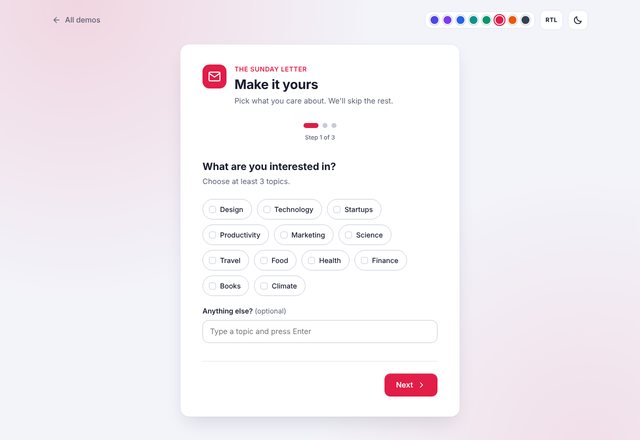
Interests picker, delivery frequency and confirmation.
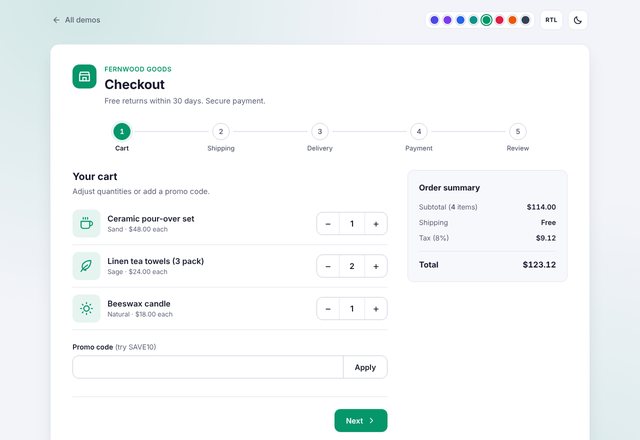
Cart, shipping, delivery method, payment and confirmation.
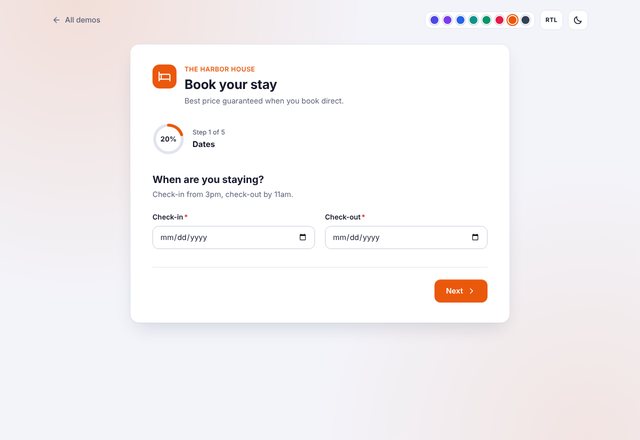
Dates, room cards, guests, extras and payment.
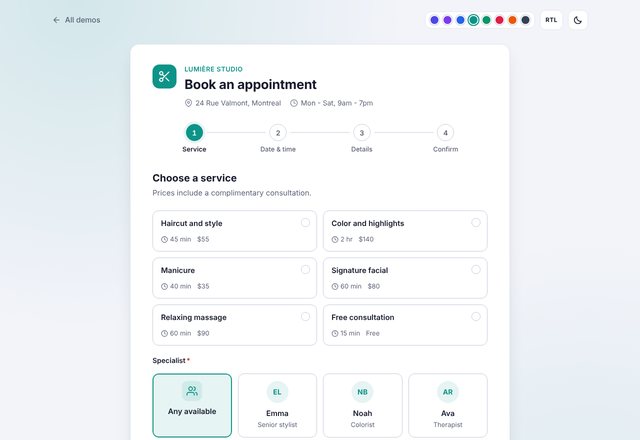
Service, specialist, calendar and time slots, then your details.
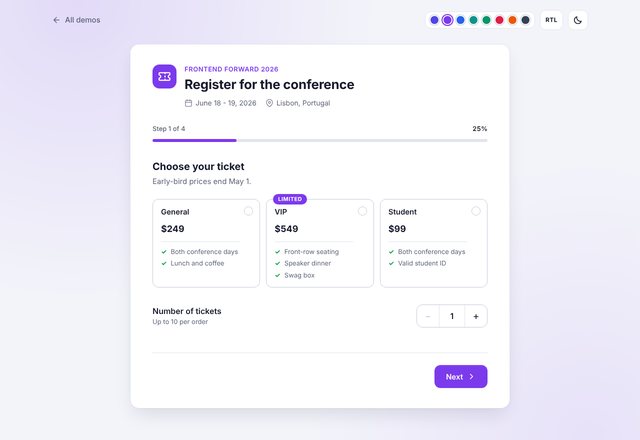
Ticket type, attendee info, add-ons and confirmation.
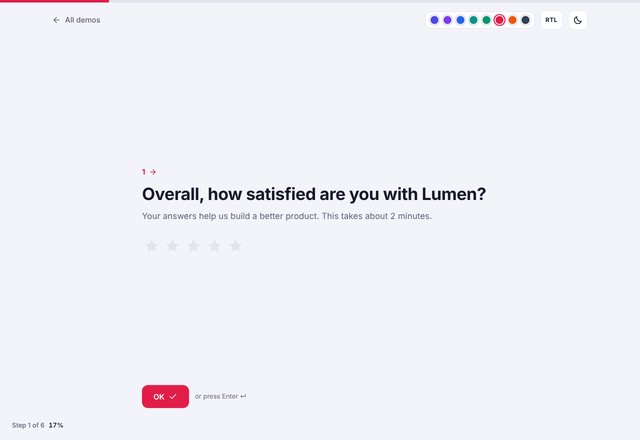
Star ratings, NPS score, multiple choice and open feedback.
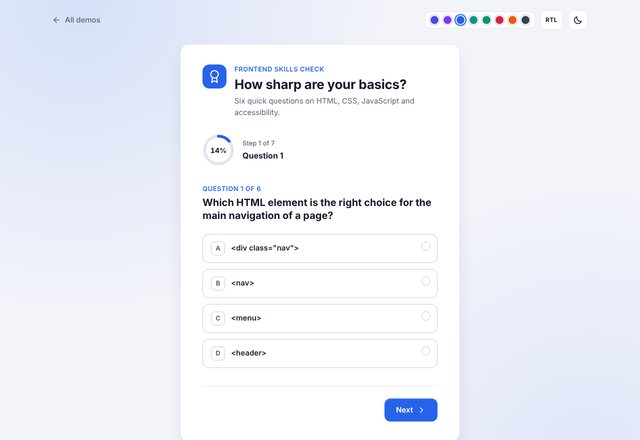
One question per step with an instant score and answer review.
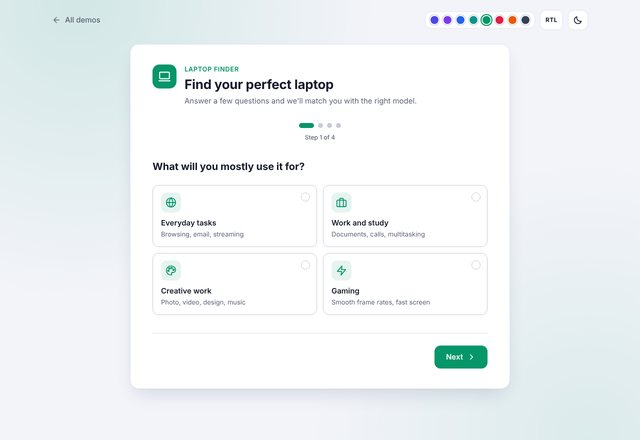
Guided questions with branching logic and a tailored recommendation.
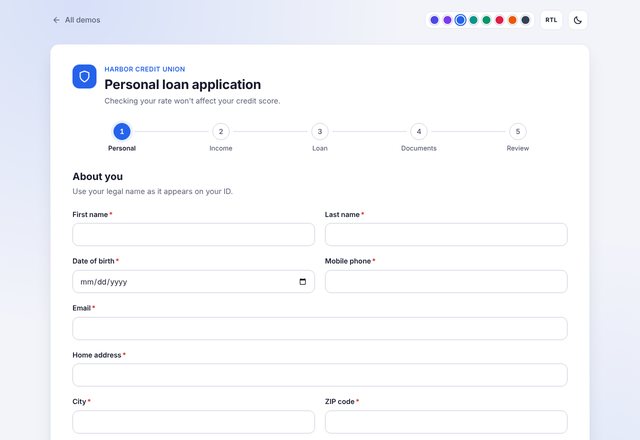
Personal details, income, loan terms, documents and e-signature.
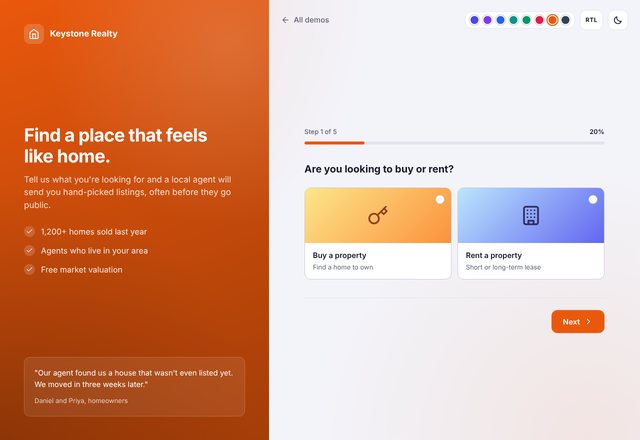
Buy or rent, property type, budget, location and contact.
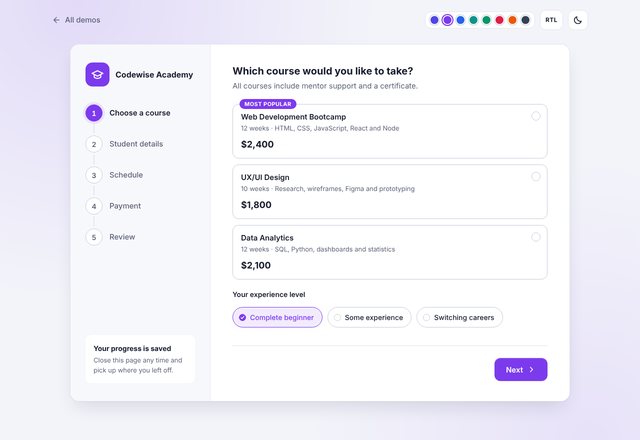
Course choice, student info, schedule and payment plan.
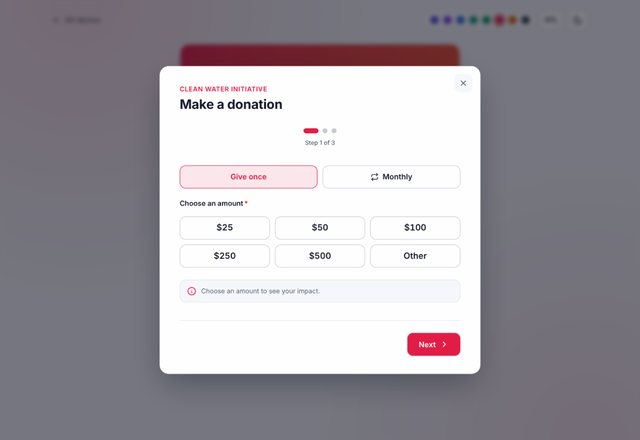
Amount picker, one-time or monthly, donor info and thank-you.
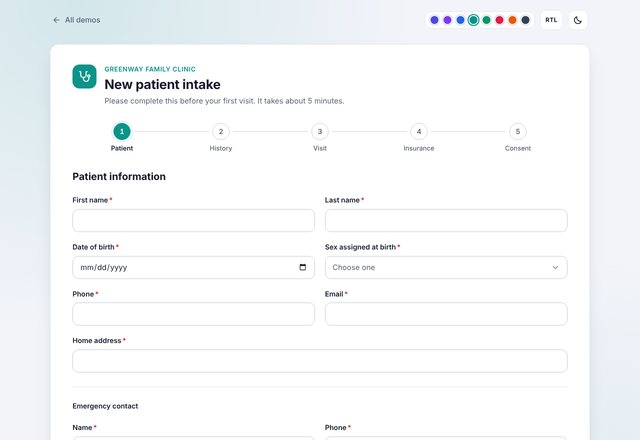
Patient info, history, insurance and signed consent.
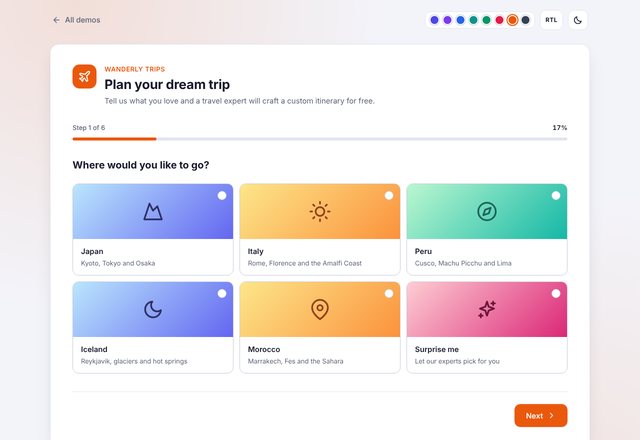
Destination, dates, travelers, interests and budget.
Built by front-end developers, for front-end developers and site owners alike.
Business, sign-up, booking, checkout, survey and specialty forms you can drop into any site.
Plain HTML, CSS and JavaScript. No jQuery, no framework and no build step.
Turn on validation, conditional logic, save progress and more with simple data attributes.
Required, email, phone, patterns, file size, password strength, card numbers and custom rules.
Show or skip fields and whole steps based on earlier answers, with no code.
Answers are stored in the browser so visitors can pick up where they left off.
Numbered steps, progress bar, dots, sidebar and circular progress.
Centered card, split screen, full-screen one-question-at-a-time and modal popup.
Switch themes with one attribute, or set your brand color with a single CSS variable.
Light, dark and automatic modes that follow the visitor's system setting.
Built with logical CSS properties, so Arabic and Hebrew layouts work out of the box.
Keyboard navigation, focus management, ARIA live announcements and reduced-motion support.
Drag-and-drop upload, signature pad, ratings, tags, OTP, calendar, sliders and steppers.
An automatic summary of every answer with links to edit each step.
A secure send-mail.php with spam protection and file attachments.
Step-by-step guides, a full attribute reference and the JavaScript API.
<form class="msf msf-card" data-msf
      data-msf-progress="steps">

  <section class="msf-step" data-msf-step
           data-title="Contact">
    <input class="msf-input" type="email"
           name="email" required>
  </section>

  <section class="msf-step" data-msf-step
           data-title="Message">
    <textarea class="msf-textarea"
              name="message" required></textarea>
  </section>

</form>